无任何违规内容,纯技术分享,求过审,给需要的佬们自己动手试试。
手上有一台8卡A100,单卡40G显存的版本,NVLink形式,由于ollama还没有提供本地部署的版本,尝试了几种方法,在github上找到了一个可行的方式,另外还看到了MacBook Pro上的版本,这个我没试过。
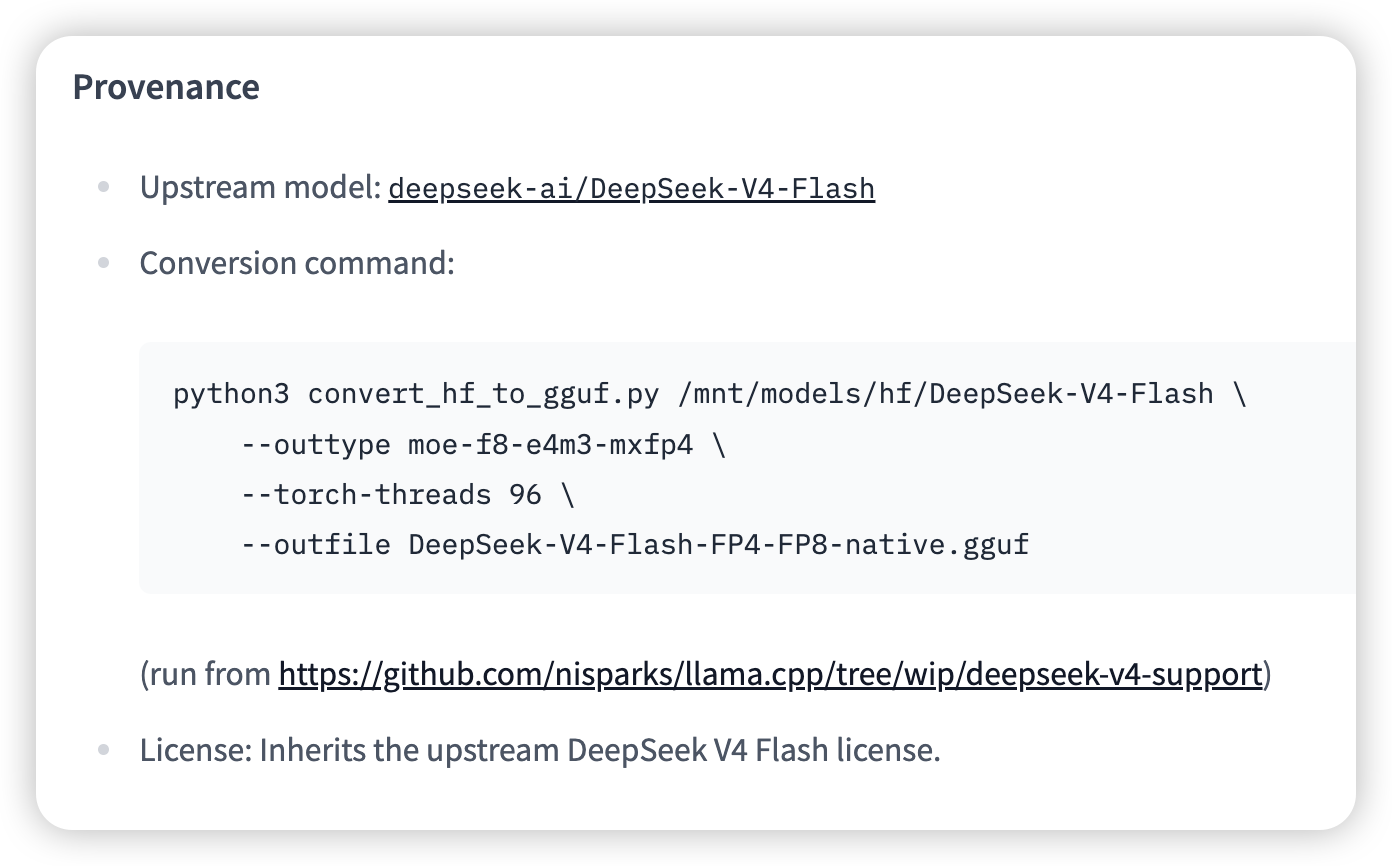
先说我的技术路线:使用nisparks大神调试的Llama.cpp版本加载“DeepSeek-V4-Flash-FP4-FP8-GGUF”即可稳定运行。
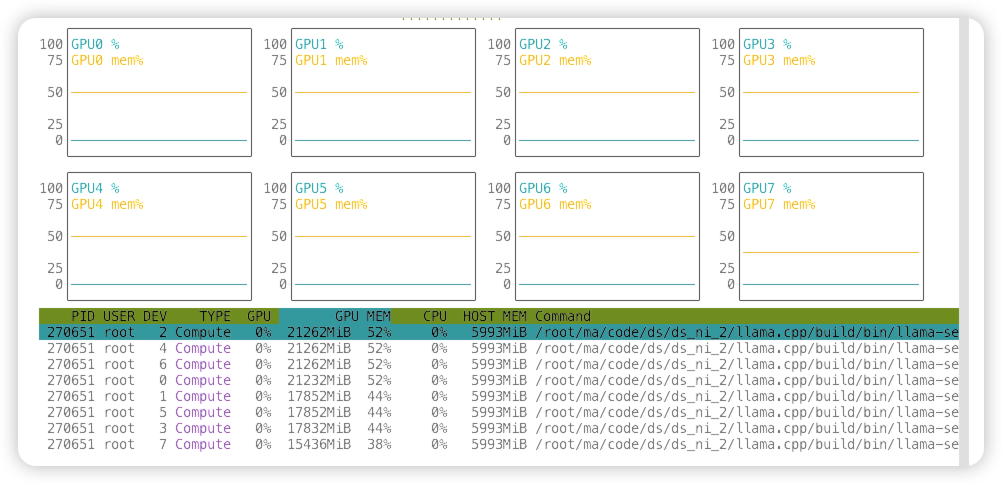
显存占用如下:
运行界面如下:

(刚不小心暴露了自己服务器的访问链接,去掉了,
 )
)
实现参考链接:
1.在Llama.cpp的github问题中作者提到自己的解决方案:
 GitHub
DeepSeek V4 Support (WIP) · ggml-org llama.cpp · Discussion #22376
So want pretty deep into optimizing DeepSeek V4 on my experimental branch, before I realized it wasn't the upstream version. I went back and ported to the upstream base, but it performs a little sl...
2.nisparks大神适配DeepSeek-V4-Flash的github链接:
GitHub
GitHub - nisparks/llama.cpp at wip/deepseek-v4-support
LLM inference in C/C++. Contribute to nisparks/llama.cpp development by creating an account on GitHub.
3.需要下载大神自己转换的GGUF模型:
hf-mirror.com
nsparks/DeepSeek-V4-Flash-FP4-FP8-GGUF · HF Mirror
We’re on a journey to advance and democratize artificial intelligence through open source and open science.
4.编译并安装步骤2中下载的llama.cpp模型代码,(自己找命令,编译命令无特殊性),在步骤3中huggingface的链接中作者给出了启动命令。
1 个帖子 - 1 位参与者