MAVROS是一个ROS(Robot Operating System)软件包 ,有了它就可以让ROS与飞控通信。这次安装 ROS1 是以ubuntu 18.04 (ROS1 Melodic)为例,ROS2 是以ubuntu 22.04 (ROS Humble)为例,也适用于其他版本(ROS1与ROS2 都可以)。 (注:安装方式有二进制安装和源码安装两种方式,源码安装需要从GitHub上下载源码,推荐二进制安装)
注:在 Ubuntu 20.04,ROS2 foxy 中,启动 px4.launch 可能会遇到 InvalidLaunchFileError,ValueError 之类的错误,这是 Foxy 中的MAVROS2 2.4.0版本会有这个问题,换版本就行,可以参考这个 教程
1. 二进制安装
-
下载安装:
sudo apt install ros-$ROS_DISTRO-mavros ros-$ROS_DISTRO-mavros-extras# 安装 GeographicLib datasets: wget https://gitee.com/tyx6/mytools/raw/main/mavros/install_geographiclib_datasets.sh chmod a+x ./install_geographiclib_datasets.sh sudo ./install_geographiclib_datasets.sh #这步可能需要装一段时间
注:如果10分钟了都没安装好,可以参考后面[安装 GeographicLib datasets 缓慢的章节](#3. 安装 GeographicLib datasets 缓慢)

- 更新环境:
source ~/.bashrc
2. 源码安装
注:源码安装之前,必须确保 ROS 已经配置了 rosdep
ROS1
- 安装依赖
sudo apt-get install python-catkin-tools python-rosinstall-generator -y

# For Ros Noetic use that:
# sudo apt install python3-catkin-tools python3-rosinstall-generator python3-osrf-pycommon -y
- 创建
ROS1工作空间(如果之前有就不用了)后面的步骤都要在 catkin_ws 目录下执行
mkdir -p ~/catkin_ws/src
cd ~/catkin_ws
catkin init
wstool init src
- 下载源码和依赖:
cd ~/catkin_ws
rosinstall_generator --rosdistro $ROS_DISTRO mavlink | tee /tmp/mavros.rosinstall
rosinstall_generator --upstream mavros | tee -a /tmp/mavros.rosinstall
wstool merge -t src /tmp/mavros.rosinstall
wstool update -t src -j4   # 这步会把源码下载到本地,访问的是GitHub,可能会失败,多试几次
rosdep install --from-paths src --ignore-src -y  # 安装依赖
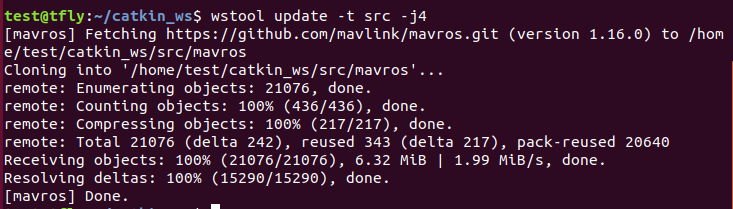
- 安装
GeographicLib datasets:
cd ~/catkin_ws
sudo ./src/mavros/mavros/scripts/install_geographiclib_datasets.sh #这步可能需要装一段时间
注:如果10分钟了都没安装好,可以参考后面[安装 GeographicLib datasets 缓慢的章节](#3. 安装 GeographicLib datasets 缓慢)
- 编译:
cd ~/catkin_ws
# 编译源码 大概需要几分钟
catkin build
编译成功
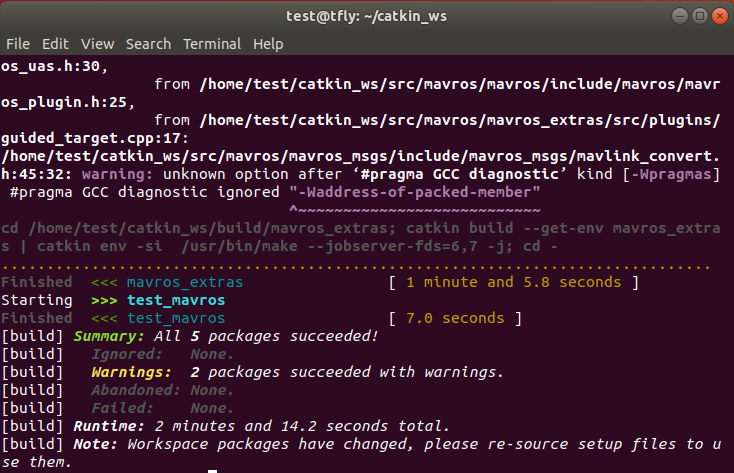
- 配置环境
echo "source ~/catkin_ws/devel/setup.bash" >> ~/.bashrc
source ~/.bashrc #使环境生效
ROS2
- 安装依赖 :
sudo apt install -y python3-vcstool python3-rosinstall-generator python3-osrf-pycommon python3-colcon-common-extensions
- 创建
ROS2工作空间(如果之前有就不用了)后面的步骤都要在 ros2_ws 目录下执行
mkdir -p ~/ros2_ws/src
- 下载源码和依赖:
cd ~/ros2_ws/
rosinstall_generator --format repos mavlink | tee /tmp/mavlink.repos
rosinstall_generator --format repos --upstream mavros | tee -a /tmp/mavros.repos
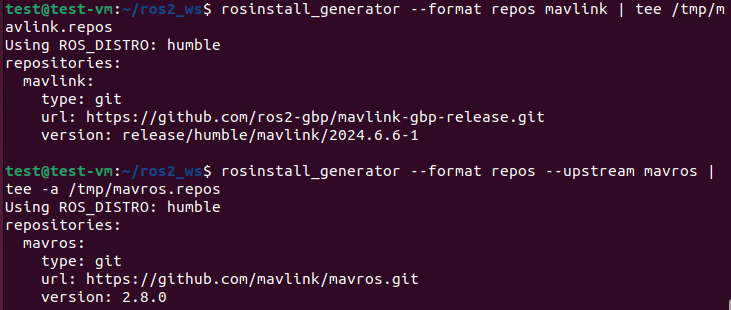
vcs import src < /tmp/mavlink.repos
vcs import src < /tmp/mavros.repos
# 这两个命令比较考验网络,如果失败,多执行几次即可
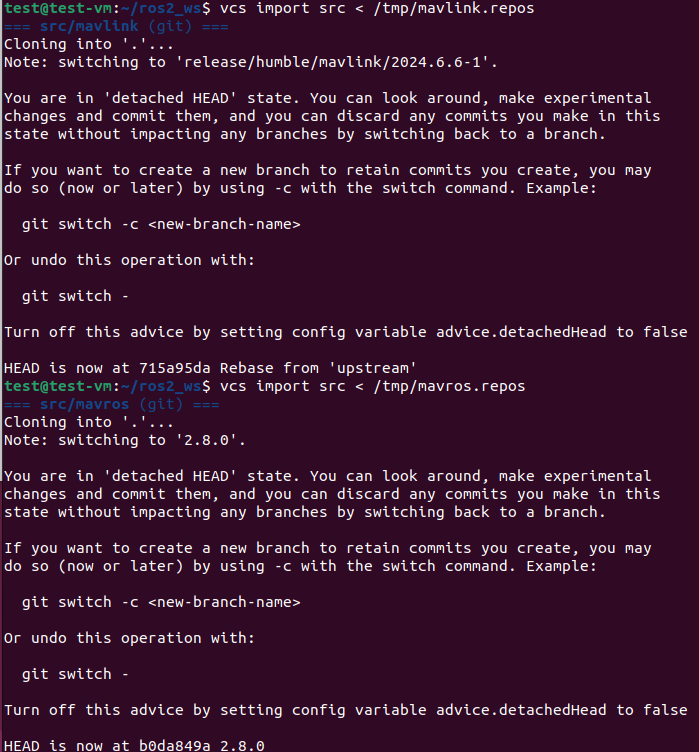
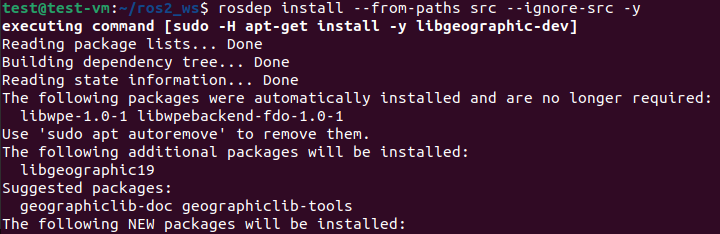
rosdep install --from-paths src --ignore-src -y
- 安装
GeographicLib datasets:
cd ~/ros2_ws/
sudo ./src/mavros/mavros/scripts/install_geographiclib_datasets.sh #这步可能需要装一段时间
注:如果10分钟了都没安装好,可以参考后面[安装 GeographicLib datasets 缓慢的章节](#3. 安装 GeographicLib datasets 缓慢)
- 编译:
cd ~/ros2_ws/
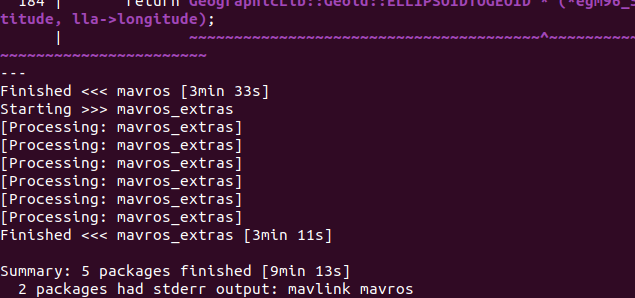
colcon build # 大概10分钟左右,跟电脑性能有关
- 配置环境
echo "source ~/ros2_ws/install/setup.bash" >> ~/.bashrc
source ~/.bashrc #使环境生效
3. 安装 GeographicLib datasets 缓慢
鉴于每个人环境不同,在执行 install_geographiclib_datasets.sh 脚本时,有的人很快,有的人几十分钟都安装不好,如果出现这种情况可以使用我修改的脚本。注:此方法不一定对每个人有效。
git clone https://gitee.com/tyx6/geographiclib_datasets_tools.git
cd geographiclib_datasets_tools/
chmod a+x ./install_geographiclib_datasets.sh
sudo ./install_geographiclib_datasets.sh

4. 检测
如果可以跳转那就代表安装成功,如果不行,重新执行配置环境这一步,记得将之前添加的删掉
- ROS1:
roscd mavros
- ROS2:
ros2 pkg prefix mavros
如果用方式法一,结果大致如下:
ROS1:

ROS2:

如果是方式法二,结果大致如下:
ROS1:

ROS2:

参考
mavros/mavros/README.md at ros2 · mavlink/mavros · GitHub
如有其他问题,或者发现文章有错误,请在评论区留言
Keep learning!
1 个帖子 - 1 位参与者